The Best Packing Slip and Invoice Apps for Shopify (2026)
Pricing is in USD. Features, prices, and ratings can change; check the linked App Store listings for current details.
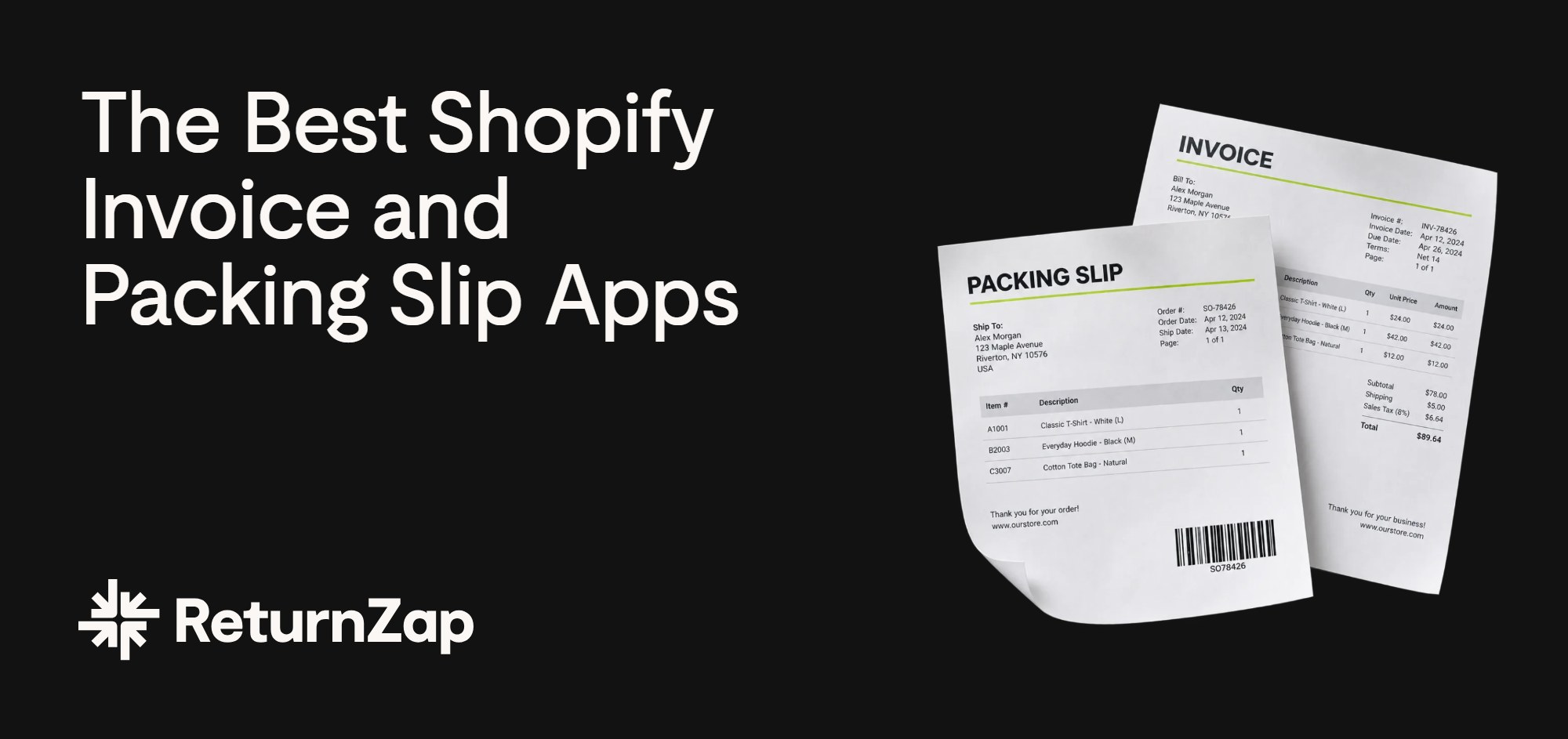
If you're sending invoices by hand or struggling to edit a packing slip in Shopify, an order printer app can save you time. The right choice depends on what you need: a better template, automatic invoice emails, or more detailed records for wholesale orders.
Shopify's free Order Printer app covers basic printing and lets you customize documents with code. Other apps make it easier to change the design, send documents automatically, or create invoices in different languages.
Here are six options, compared using their Shopify App Store listings. We've included what each one does well, its limitations, and how pricing works, plus a few suggestions for adding return instructions to your packing slips.
What to look for in a packing slip and invoice app
Start with the documents you send most often and the work you'd like to stop doing manually.
Template customization. Can you add your logo, change the layout, and edit the wording yourself? Check whether the app has a visual editor or requires HTML and Liquid, Shopify's template language.
Automation. If you regularly email invoices, look for automatic delivery. Check which events can trigger an email, such as payment, fulfillment, or a refund, and whether that feature is included in your plan.
Document types. Beyond invoices and packing slips, you might need credit notes, quotes, pro forma invoices, or return forms. Check which documents are available on the plan you're considering.
Invoice requirements. Check whether the app supports the tax details and electronic invoice formats your business needs, including B2B VAT numbers. If customers need invoices in different languages or currencies, check those features too.
Pricing. Compare the cost at your actual monthly volume. Some plans count orders, others count invoices, and some have no volume limit. Templates may be a one-time purchase, but you'll still need an app to print them.
Return instructions. Look for a way to add your returns portal URL or a QR code to the packing slip. A printed link is enough to direct customers to the portal; it doesn't require a dedicated integration.
1. Order Printer Pro
Best for: Stores that need automatic PDF delivery and bulk printing across several document types.
Order Printer Pro is a good starting point if you need to send customers invoices and print documents for your packing team. It supports automatic PDF delivery, bulk printing, and documents including quotes, credit notes, and return forms.
You can add your logo and colors to templates, though more detailed changes may require code or help from support. It also supports multiple languages and currencies. Its App Store rating is 4.9 stars from nearly 2,900 reviews.
Pros
- Covers invoices, packing slips, quotes, credit notes, and return forms
- Bulk printing and filtering from admin, POS, and mobile
- Metafield support for products, variants, and customers
- Available since 2014, with a large review history
Cons
- Monthly pricing rises with order volume, reaching $40 for 5,001 or more orders
- E-invoicing is a paid add-on rather than included
Pricing: Free for up to 50 orders per month, then Starter at $10/month (up to 500 orders), Growth at $20/month (up to 5,000), and Scale at $40/month (5,001+). 14-day trial on paid plans.
Order Printer Pro on the Shopify App Store
2. Vify Order Printer: PDF Invoice App
Best for: Merchants selling internationally who need multi-language invoices and an automated workflow, with minimal technical setup.
Vify Order Printer is a reliable, well-priced order printer app for Shopify with 24/7 support and strong multi-language support. It offers a balanced combination of template customization, automated emailing, and multi-language support at a competitive price point. Merchants at any technical level can customize professional invoice templates without coding. The app generates invoices, packing slips, and refund receipts, and supports automated PDF emails triggered by order events.
One key advantage is the pricing model. While other apps often charge based on the number of orders processed, Vify offers unlimited orders on all paid plans, which makes it a cost-effective option for growing and high-volume stores.
Key features
- Easy customization of invoice templates, with no coding required
- Automatic delivery of PDF invoices
- Print and download invoices individually or in bulk
- Customers can download PDF invoices at any time
- Automatic display of B2B VAT numbers
- Unlimited orders across all pricing plans
Pricing: Free for up to 50 orders per month. Paid plans start at $10.99/month, with additional features available on the Premium and Ultimate plans. All paid plans include a 14-day free trial.
Vify Order Printer on the Shopify App Store
3. Sufio
Best for: B2B stores that need credit notes, VAT validation, and e-invoicing support.
Sufio is worth considering if invoicing takes up a lot of your team's time. Alongside packing slips, it offers credit notes, pro forma invoices, payment reminders, and VAT number validation. It supports Shopify B2B and e-invoicing options including Peppol, ZUGFeRD, and Factur-X.
Pay attention to the plan details: several of those features require Professional or Premium, and the two cheapest plans have low invoice limits. Sufio has a 4.9-star rating from around 460 reviews.
Pros
- E-invoicing support, including Peppol, ZUGFeRD, and Factur-X
- Credit notes, pro forma invoices, quotes, and automated overdue reminders
- Integrations with Klaviyo, Stripe, Recharge, and Shopify POS
Cons
- Monthly plans have invoice limits: just 15 on Starter and 50 on Growth
- Multiple languages and currencies require the $49/month Professional plan or above
- Hard to justify the higher plans if you mainly need branded packing slips
Pricing: Starter $7/month (15 invoices), Growth $19/month (50 invoices), Professional $49/month (5,000 invoices), Premium $129/month (unlimited). 14-day trial on all plans.
Sufio on the Shopify App Store
4. AG Order Printer: PDF Invoice (by Avada)
Best for: Stores that want ready-made templates or tools for managing wholesale invoices.
Avada's app gives you more than 30 templates to start from and can email PDF invoices and payment reminders automatically. It also lists support for e-invoicing formats including Peppol BIS 3.0, ZUGFeRD, Factur-X, and XRechnung.
For wholesale sellers, the $49/month plan adds company management, outstanding balances, and net terms. Stores needing multiple languages and currencies should look at Ultimate or check what's included in Wholesale. The app has a 4.9-star rating from around 700 reviews.
Pros
- More than 30 templates across several document types
- Automatic PDF invoice emails and overdue payment reminders
- Wholesale plan covers company accounts, balances, and net terms
Cons
- The $15/month Pro plan doesn't list multi-language or multi-currency support
- Free plan is limited to 50 orders per month
- Paid plans have a 7-day trial
Pricing: Free (50 orders/month), Pro $15/month, Ultimate $39/month, Wholesale $49/month. Annual billing available at a discount.
AG Order Printer on the Shopify App Store
5. Order Printer Templates
Best for: Merchants happy with Shopify's free Order Printer who just want better-looking documents.
Order Printer Templates sells templates for use with Shopify Order Printer or Order Printer Pro. You choose a design, customize the logo, colors, fonts, and wording, then buy it for a one-time fee.
It's a useful option if your current printing setup works and you only want to change how the documents look. Templates cover invoices, packing slips, receipts, gift receipts, and return forms. The app has a 4.9-star rating from around 780 reviews.
Pros
- One-time purchase, no subscription
- Customize the design without editing code
- Includes a return form template
Cons
- Doesn't add automation, emailing, or bulk features on its own
- Requires a compatible printing app, which may have its own fees
Pricing: Free to install and customize. $29 for your first template, $14 for each additional template.
Order Printer Templates on the Shopify App Store
6. Shopify Order Printer (free)
Best for: Stores that need basic printing and can use the default templates or edit Liquid.
Shopify Order Printer is a separate, free app for printing pick lists, invoices, packing slips, and receipts. You can print up to 50 orders at a time from the Shopify admin.
The main limitation is document design. Pick lists have a simple editor, but changing customer-facing templates requires HTML, CSS, and Liquid. The app also lacks automatic invoice emailing. Its App Store rating is 3.5 stars, so try a few orders with your own printer before relying on it for daily packing.
Pros
- Free
- Made by Shopify and accessible from the admin once installed
- Fully customizable if you can code
Cons
- No automation or customer-facing invoice delivery
- Customizing invoices and packing slips requires code
- Bulk printing capped at 50 orders
- POS receipt customization not supported
Pricing: Free.
Shopify Order Printer on the Shopify App Store
Comparison at a glance
Monthly prices are shown unless marked as a one-time purchase. Features may require a paid plan; see the details above. Ratings and review counts are a snapshot from September 11, 2026.
Add return instructions to your packing slip
While you're editing your packing slip, add a clear way to start a return or exchange. Customers shouldn't have to search your website or email support to find out what to do.
A paper return form can help identify items when they arrive at the warehouse. But if it's the only way customers tell you about a return, your team won't know what's coming back until the package arrives.
A short URL or QR code can send customers to your returns portal before they ship anything. They select their items, explain why they're returning them, and see the options your store offers. Your team gets the request in advance, and eligible customers can choose an exchange or store credit.
ReturnZap gives Shopify stores a branded returns portal with rules for return windows, final sale items, and other eligibility criteria. Depending on your shipping setup, customers can also get a prepaid return label or a supported carrier's drop-off QR code. You can direct customers there by adding the portal URL to your packing slip template.
Keep the wording simple. For example:
Need to return or exchange an item? Visit [your returns portal URL] to get started.
If you add a QR code, print a sample and scan it before updating all your packing slips. Include the URL as well so customers have another way to reach the portal.
ReturnZap on the Shopify App Store
Quick picks
- Automatic PDF delivery and bulk printing: Order Printer Pro
- Selling internationally, want unlimited orders on a flat fee: Vify Order Printer
- B2B invoicing and e-invoicing support: Sufio
- Ready-made templates and wholesale tools: AG Order Printer by Avada
- New designs for your existing printing app: Order Printer Templates
- Basic printing at no cost: Shopify Order Printer
Before committing, try the app with a typical order and a more complicated one, such as a partial refund or a wholesale order. Check the printed layout, the invoice details, and what the customer receives by email. That will tell you more than the template preview alone.

Start Your Free ReturnZap Trial Today
Join hundreds of other Shopify merchants successfully managing their returns with ReturnZap